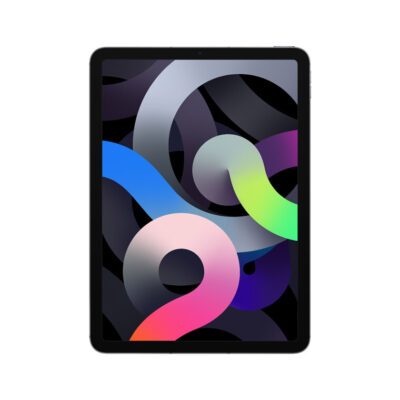
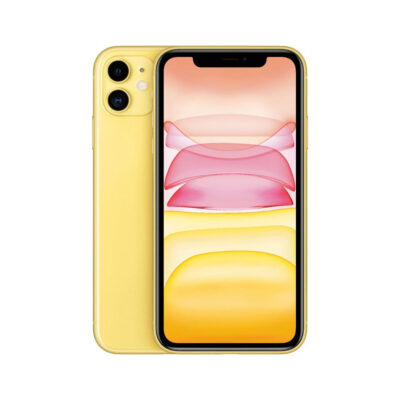
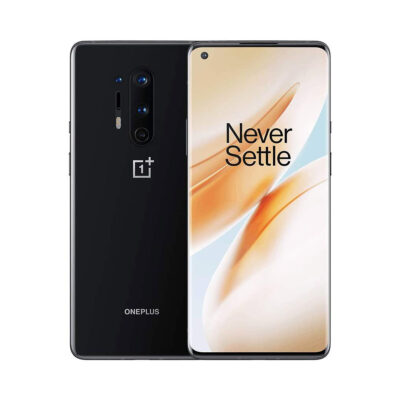
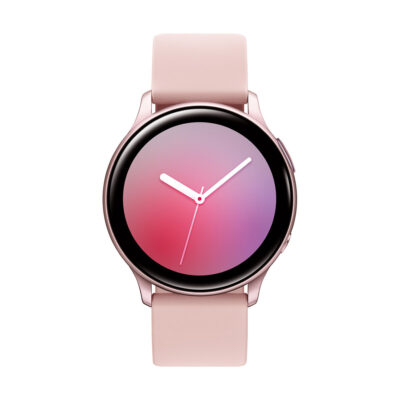
Guia de Condição do Dispositivo

Understand condition before you buy.

We separate how a device looks from how it was prepared. Shopper labels stay simple; technical grades stay on the product page.

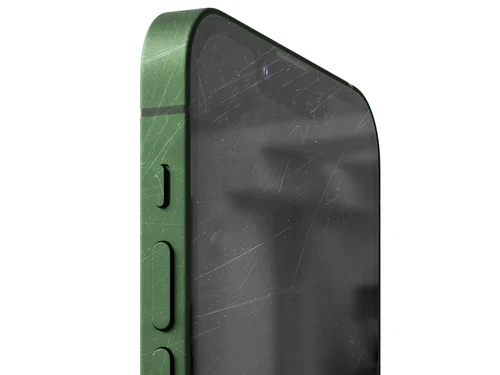
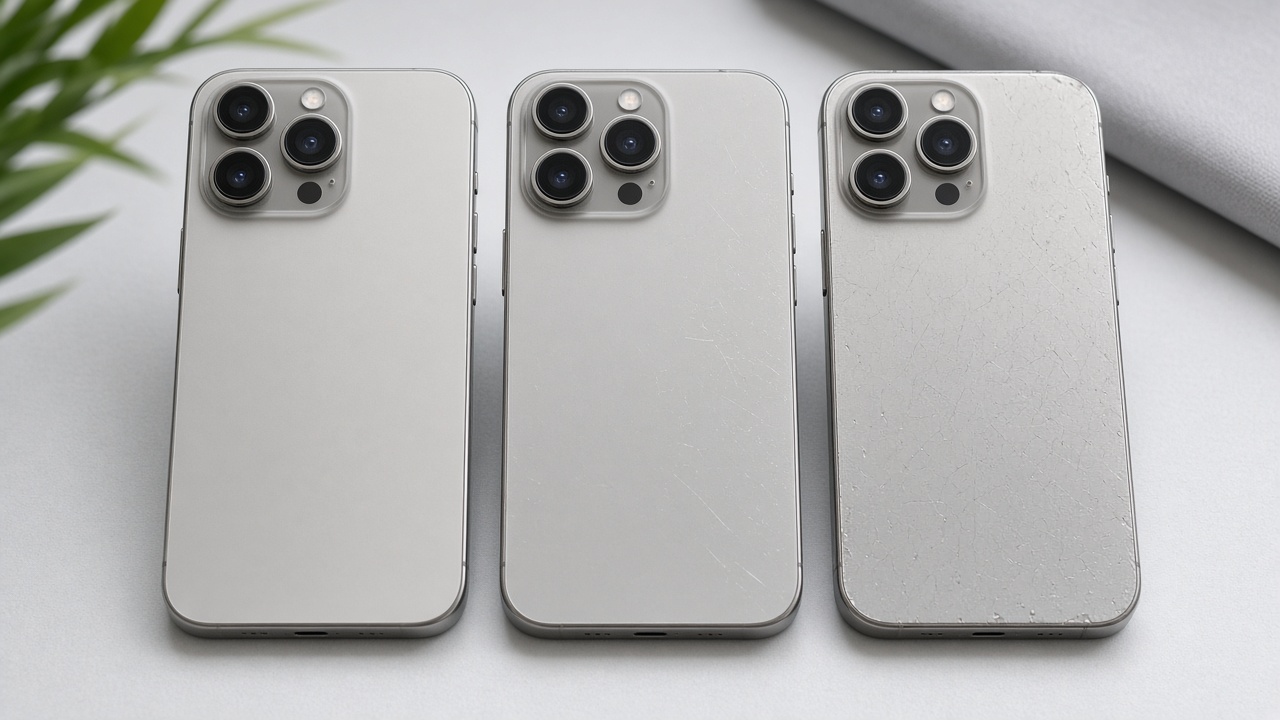
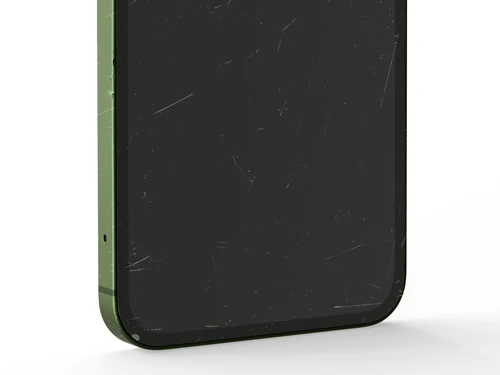
Classes de condição

Excelente · Muito Bom · Bom

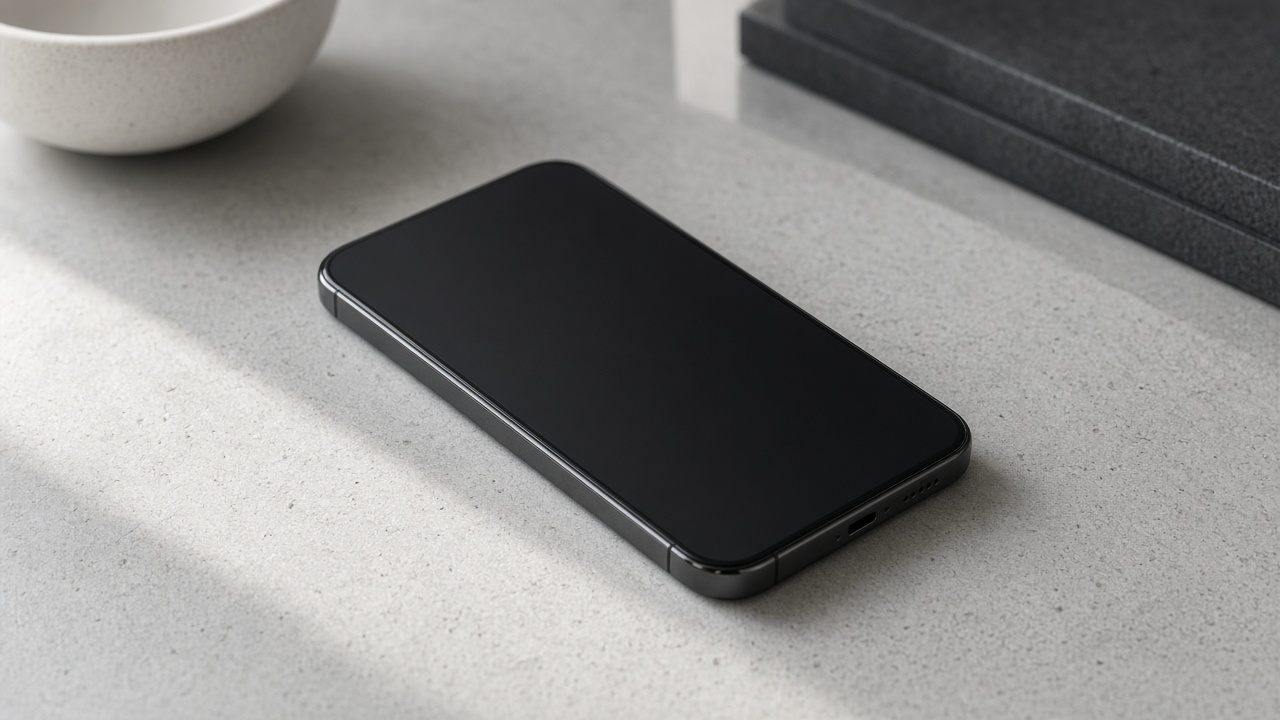
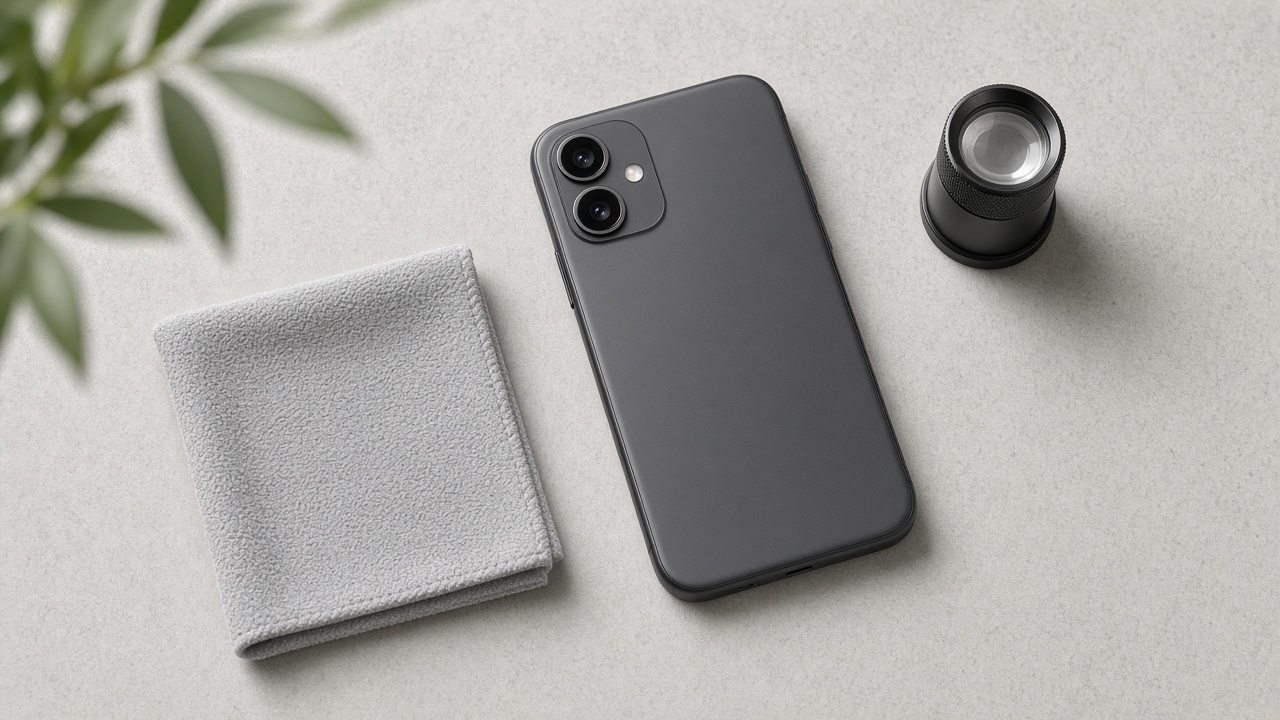
Tap a label to preview example photos and the shopper-facing description — same interaction as the product page.

Excelente

Parece quase novo, com apenas sinais muito leves de uso, se houver. Melhor apresentação de cosméticos em nossas classificações para compradores.

Shoppers mainly see Excelente, Muito bom, and Bom on listings. These are the consumer-facing condition labels.

Technical grades (Grade A+ / A / AB / B / C) describe finer cosmetic detail for inventory. They stay on the product page and are not mixed into one confusing storefront label with AS-IS status.

Industry terms like AS-IS or refurbished may appear in admin or specs. The storefront prefers Excelente / Muito Bom / Bom for retail shoppers.

What to check on each product

  • Condition label (Excelente / Muito Bom / Bom) and photos
  • Battery health information when provided
  • Storage, color, and region/version fields
  • Warranty text for that SKU

Before listing

How a label is assigned.

01Receive

Intake with identity and lot context.

02Review

Surfaces reviewed under consistent light.

03Label

Excelente / Muito Bom / Bom is set.

04Photograph

Imagery matches the cosmetic story.

05List

SKU goes live with condition fields.

Related guides

Continue learning.

Still need a hand with your order?

Track your shipment in one click, or chat with us on WhatsApp for faster support.